The Bulletproof Client Handoff Framework
Protect your builds from human error. Here is how to keep clients from estroying your design.

A practical guide to creating Framer thumbnails and Open Graph images faster by exporting both from the same source recording instead of designing them separately.
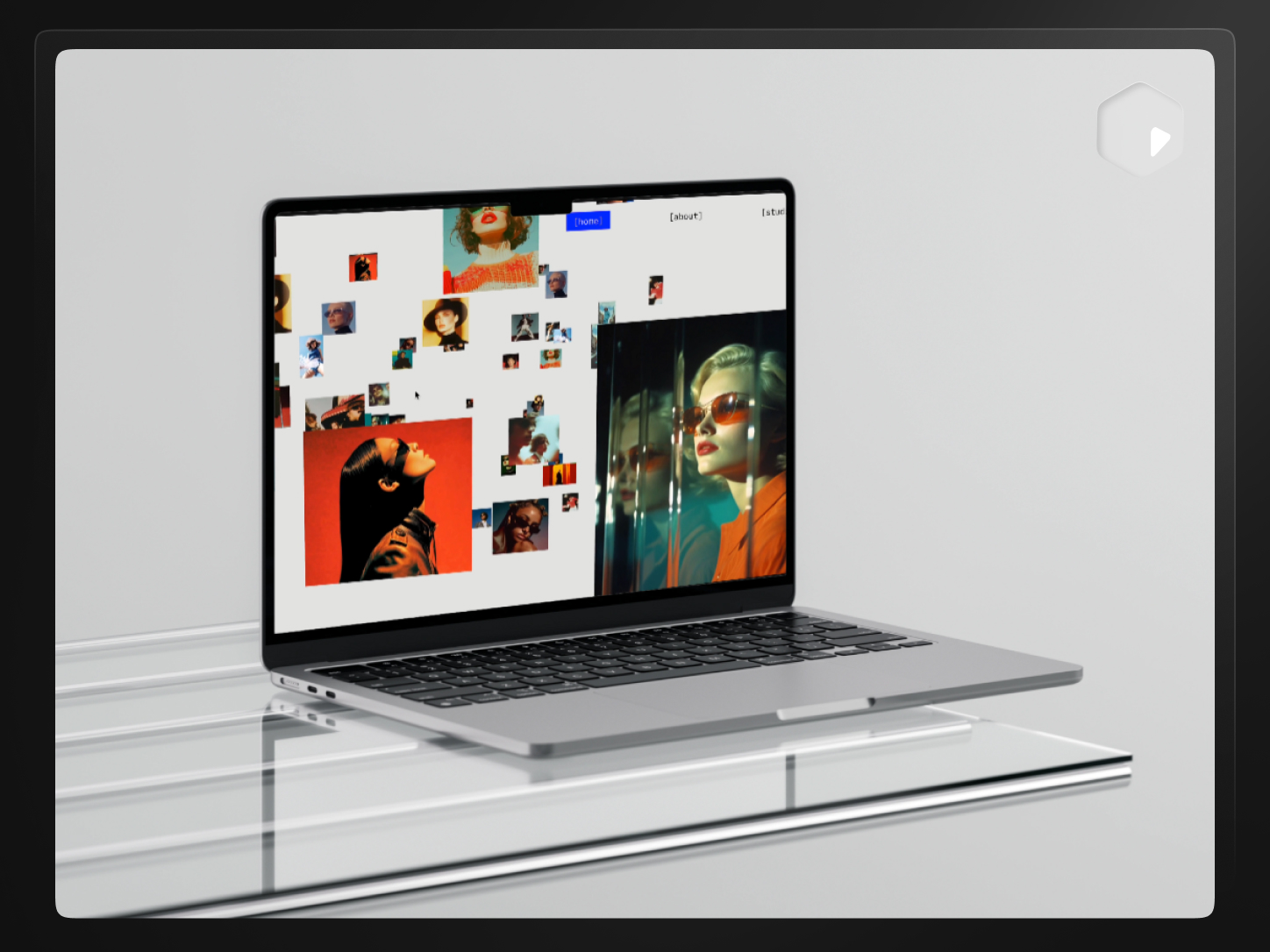
Direct answer: Create Framer thumbnails and Open Graph images faster by pulling both from the same source recording instead of designing them separately — crop and frame a still moment for the marketplace thumbnail, then reuse it at a different size for the social share image. PreviewKit exports both from one import.
Static images get less attention than video previews, but they matter more often. A thumbnail is what shows up in a marketplace grid. An Open Graph image is what shows up every time your link gets pasted into Slack, X, or a group chat. Both need to be legible and consistent, and neither has to be designed from scratch in a separate tool.
1200 × 900 px, a 4:3 aspect ratio. As covered in more detail in how to make a Framer template preview video without After Effects, this isn't a number Framer publishes on its public template requirements page — it's the size that's worked for creators submitting templates, and it's what a Framer-specific export preset targets. Confirm against Framer's own submission flow if it ever shows you something different.
The widely used convention across social platforms and chat apps is 1200 × 630 px, roughly a 1.91:1 ratio. That's not a Framer-specific number — it's the general web convention for the og:image tag, and it's different enough from the 4:3 marketplace thumbnail that you shouldn't assume one image works for both without reframing.
Don't treat any single dimension as universal across every destination. App stores, other marketplaces, and social platforms each have their own preferred sizes — check the specific destination rather than assuming a size that worked for Framer will work everywhere else.
If you already have a recording of the template or product — which you likely do if you've also made a video preview — you don't need a separate design pass for the still image:
This is faster than opening a design tool and rebuilding the shot from a fresh screenshot, and it keeps the still image visually consistent with the video preview because they come from the same source.
Yes, and it's the more efficient way to work. One clean recording of a template or product can produce a marketplace video, a marketplace thumbnail, and an Open Graph image — three assets from one import, each cropped and exported at its own size instead of recreated from scratch. The full version of this workflow, extended to social platforms as well, is in how to repurpose one product recording for Framer, X, and Instagram.
Need a thumbnail and an Open Graph image without opening a separate design tool for each?
No. Each platform sets its own preferred dimensions, and they change over time. Treat any specific number, including the ones in this article, as something to confirm against the current submission page rather than assume permanently.
PNG for crisp UI screenshots with sharp text and edges. JPG when file size matters more and the image has more photographic or gradient content, where the compression is less noticeable.
A short label can help — a template name or one-line description — but keep it minimal. The design itself, staged clearly, usually sells better than added marketing copy on top of it.
Yes, if you don't already have a recording. A static screenshot works the same way once it's cropped and framed — the recording just becomes convenient if you're already making a video preview and want a matching still.
Usually yes, because the aspect ratios differ — 4:3 for a Framer thumbnail versus roughly 1.91:1 for Open Graph. You can source both from the same recording, but export them as two separate crops rather than stretching one image into both shapes.
Platform-side, occasionally and without much notice. That's the main reason to treat exact pixel numbers as something to verify at submission time rather than memorize once and reuse indefinitely.
Powerful, self-serve product and growth analytics to help you convert, engage.

Let's bring your vision to life with standout design and expert development. Reach out to start building something exceptional together!